Live:126,350compliant photos processed
AI Verified Compliance

Passport & Visa Photos
for Any Country
In Under 30 Seconds.

Instantly format your photo to meet biometric and dimension requirements for 190+ countries. No rejections. No guesswork. Just print & go.

Free to try
No signup needed
Instant download

190+

Countries

< 30s

Processing

Source

Backed

A
M
R

50,000+ photos processed worldwide

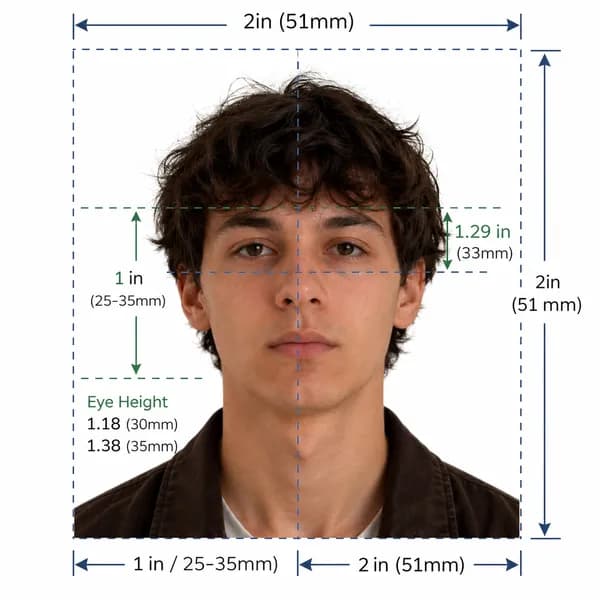
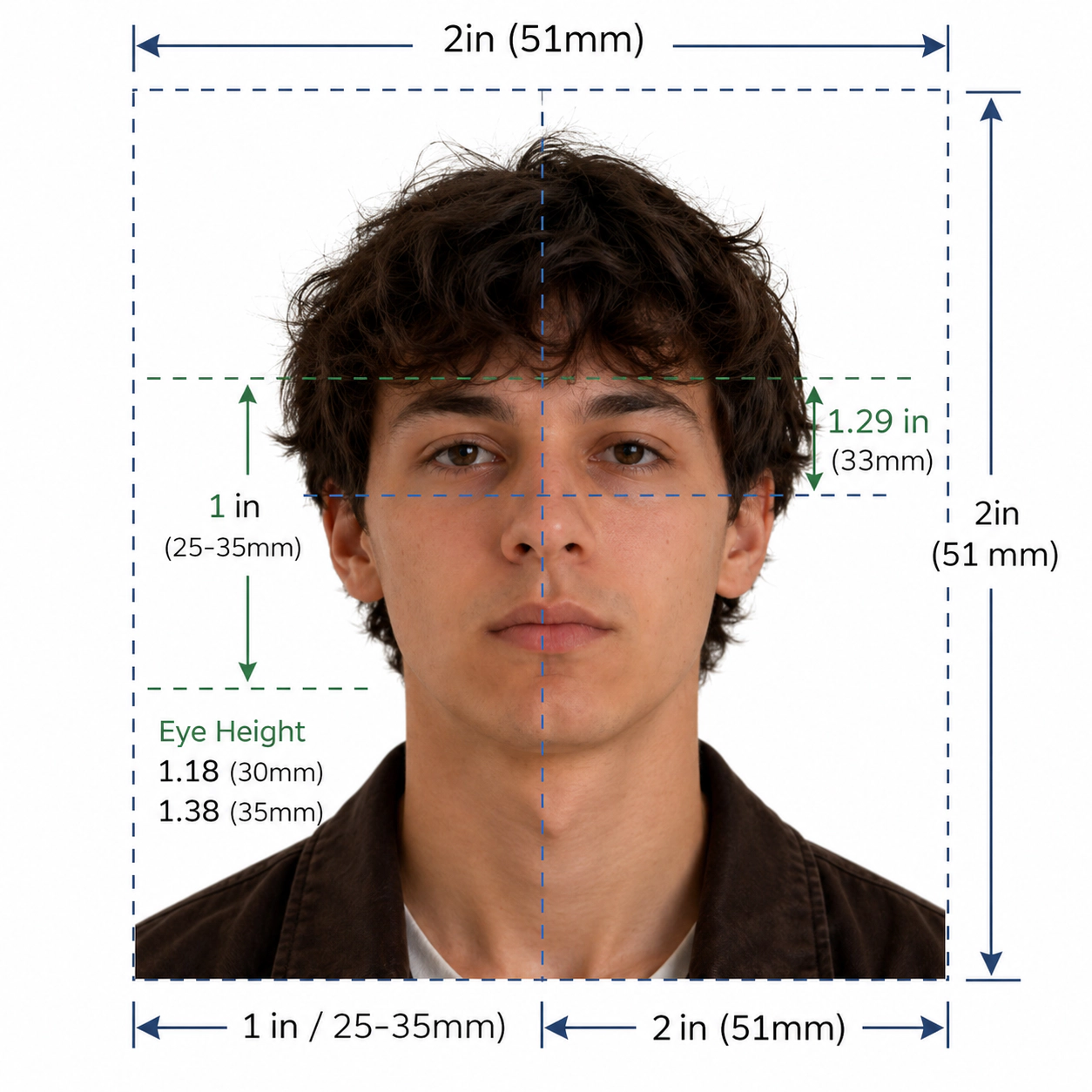
๐Ÿ‡บ๐Ÿ‡ธUS Passport2ร—2 in ยท 600 DPI
Compliant
Processed
Processed
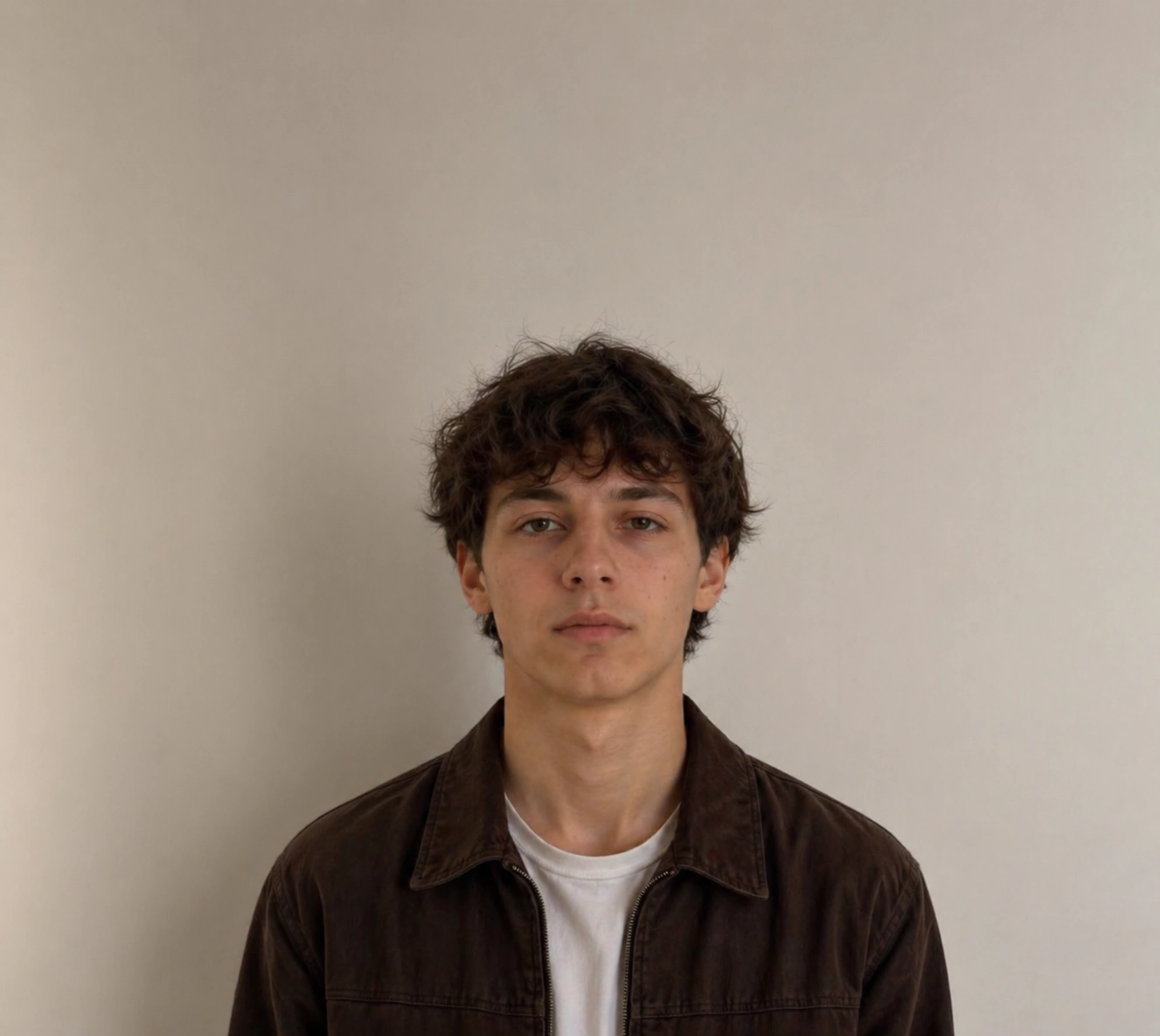
Original
Original
Drag or swipe to compare

Size & Crop

Exact dimensions

Lighting

Proper exposure

Background

Plain & neutral

AI Check

Instant feedback

Accepted by
๐Ÿ‡บ๐Ÿ‡ธ๐Ÿ‡ฌ๐Ÿ‡ง๐Ÿ‡จ๐Ÿ‡ฆ๐Ÿ‡ฆ๐Ÿ‡บ๐Ÿ‡ฉ๐Ÿ‡ช๐Ÿ‡ซ๐Ÿ‡ท๐Ÿ‡ฏ๐Ÿ‡ต๐Ÿ‡ฎ๐Ÿ‡ณ+182 more
AI Transformation

AI Fixes Only Whatโ€™s Allowed

We only fix what embassies allow โ€” so your photo gets accepted the first time.

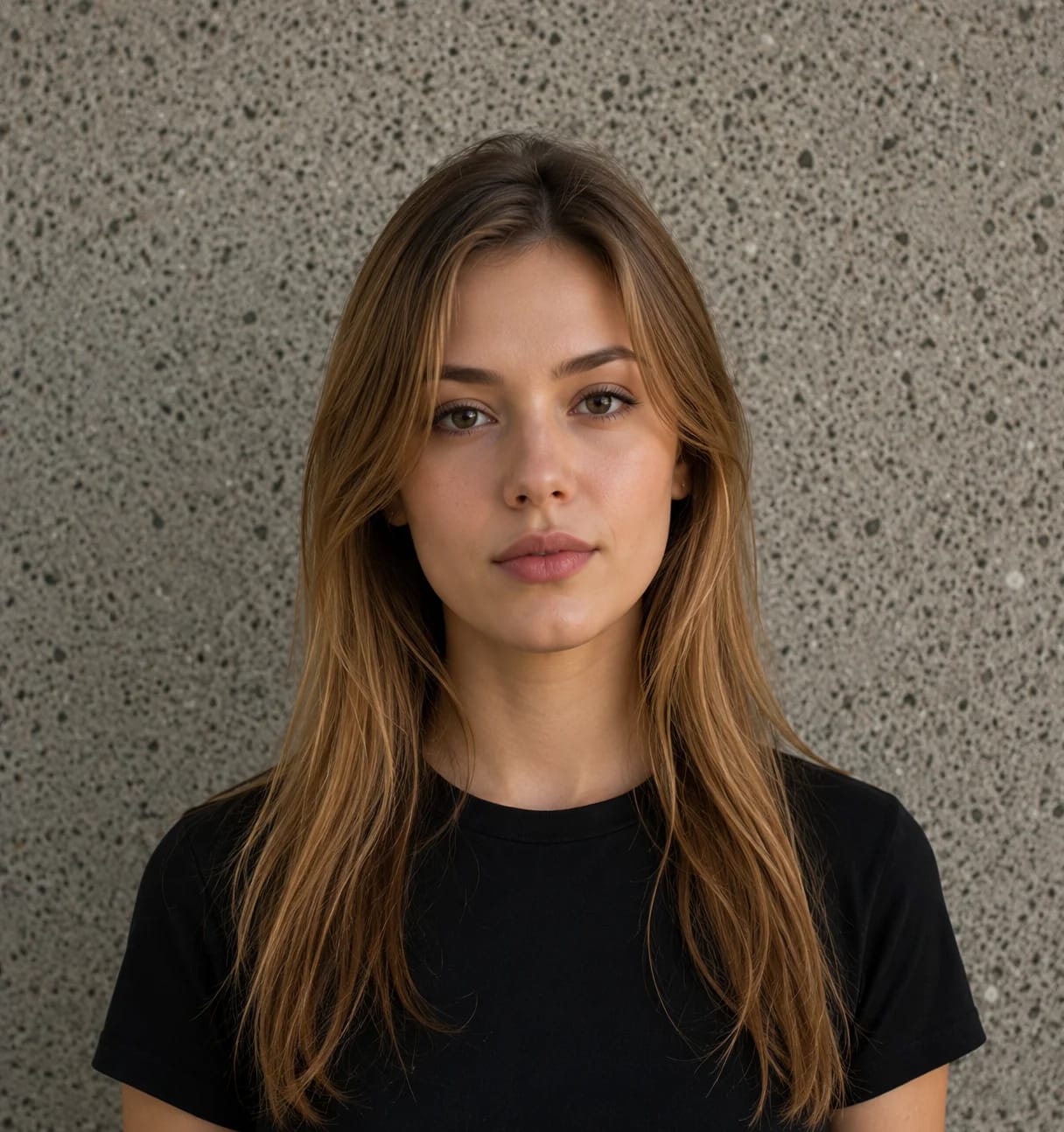
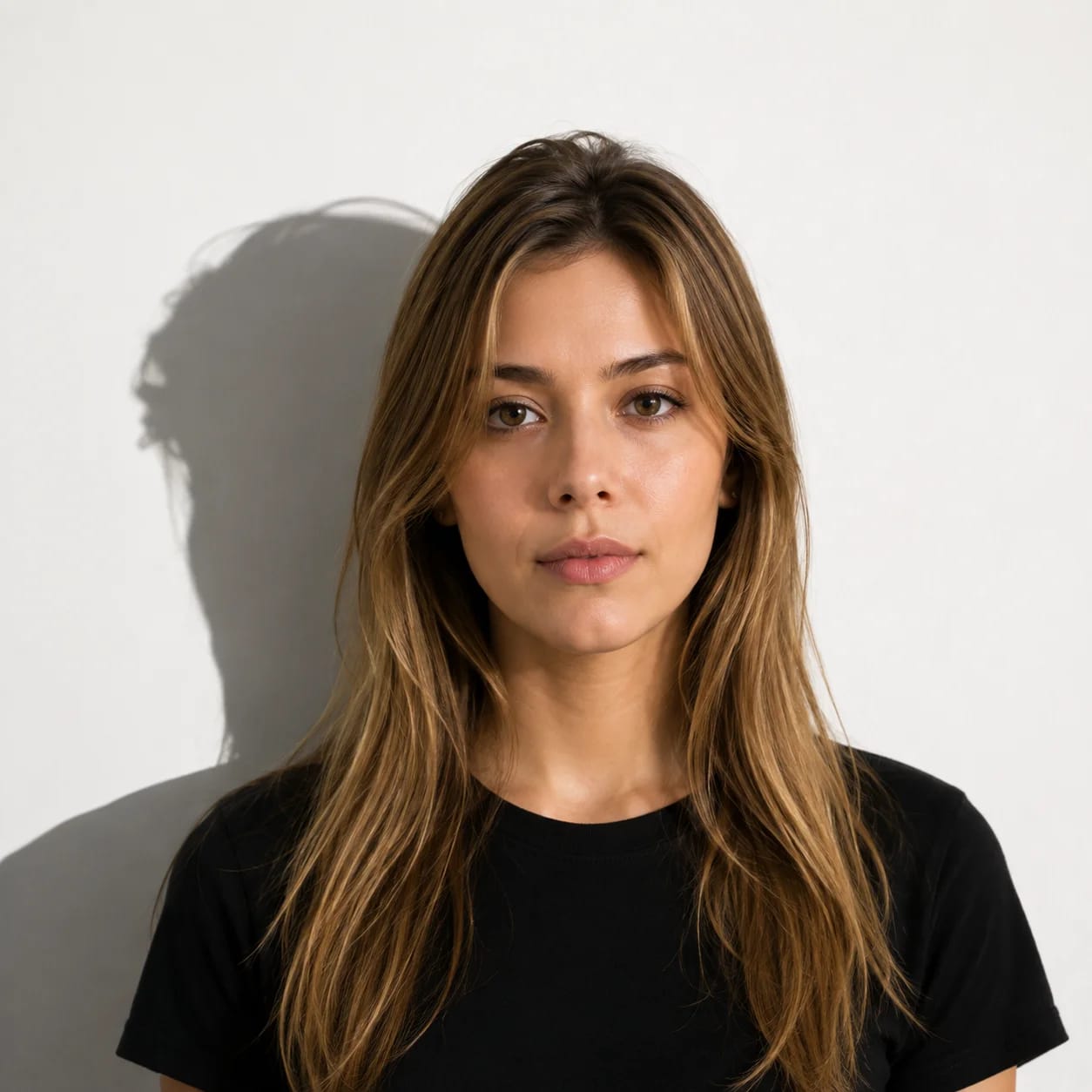
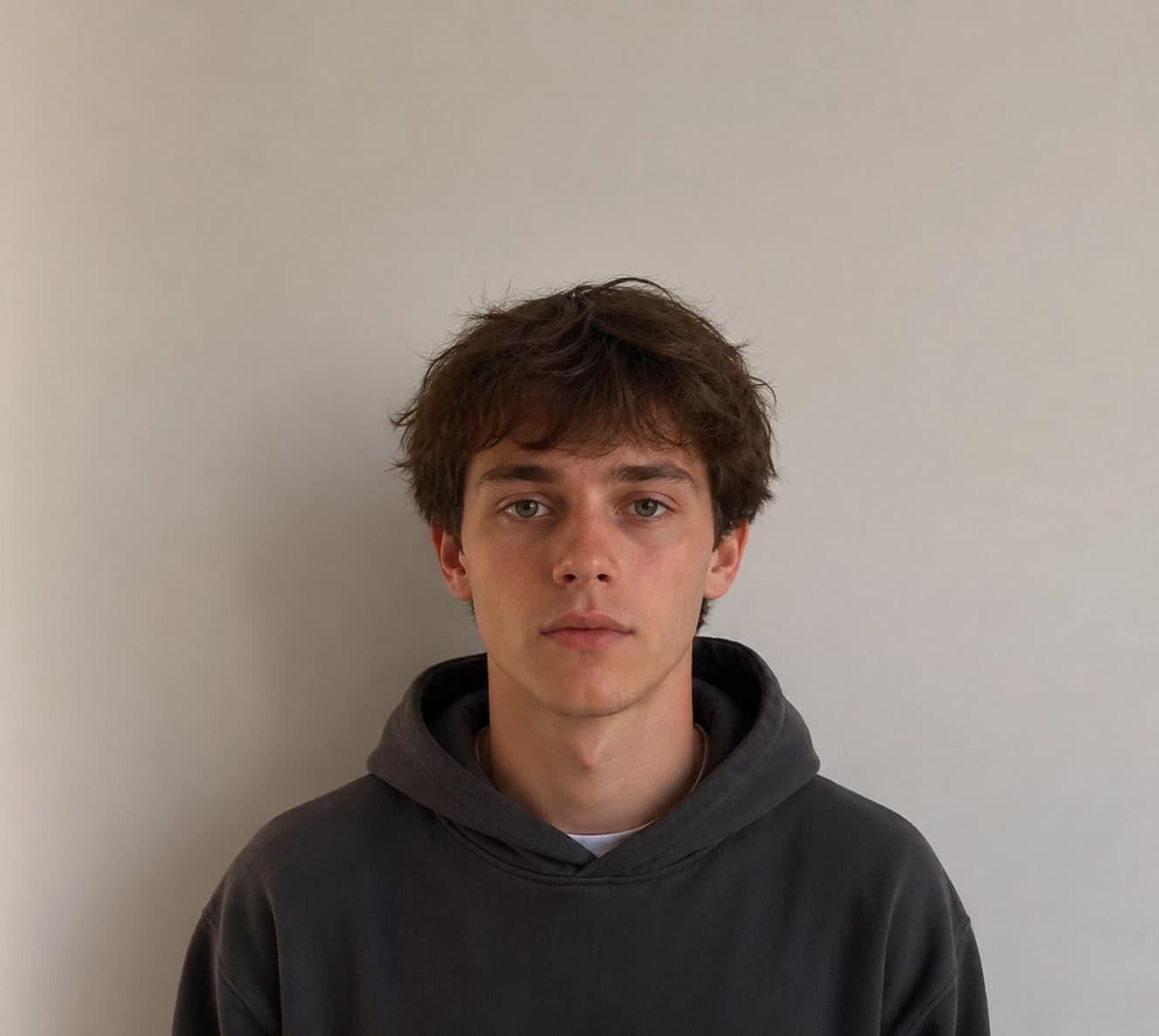
Original photo
Rejected
Busy background
Shadow detected
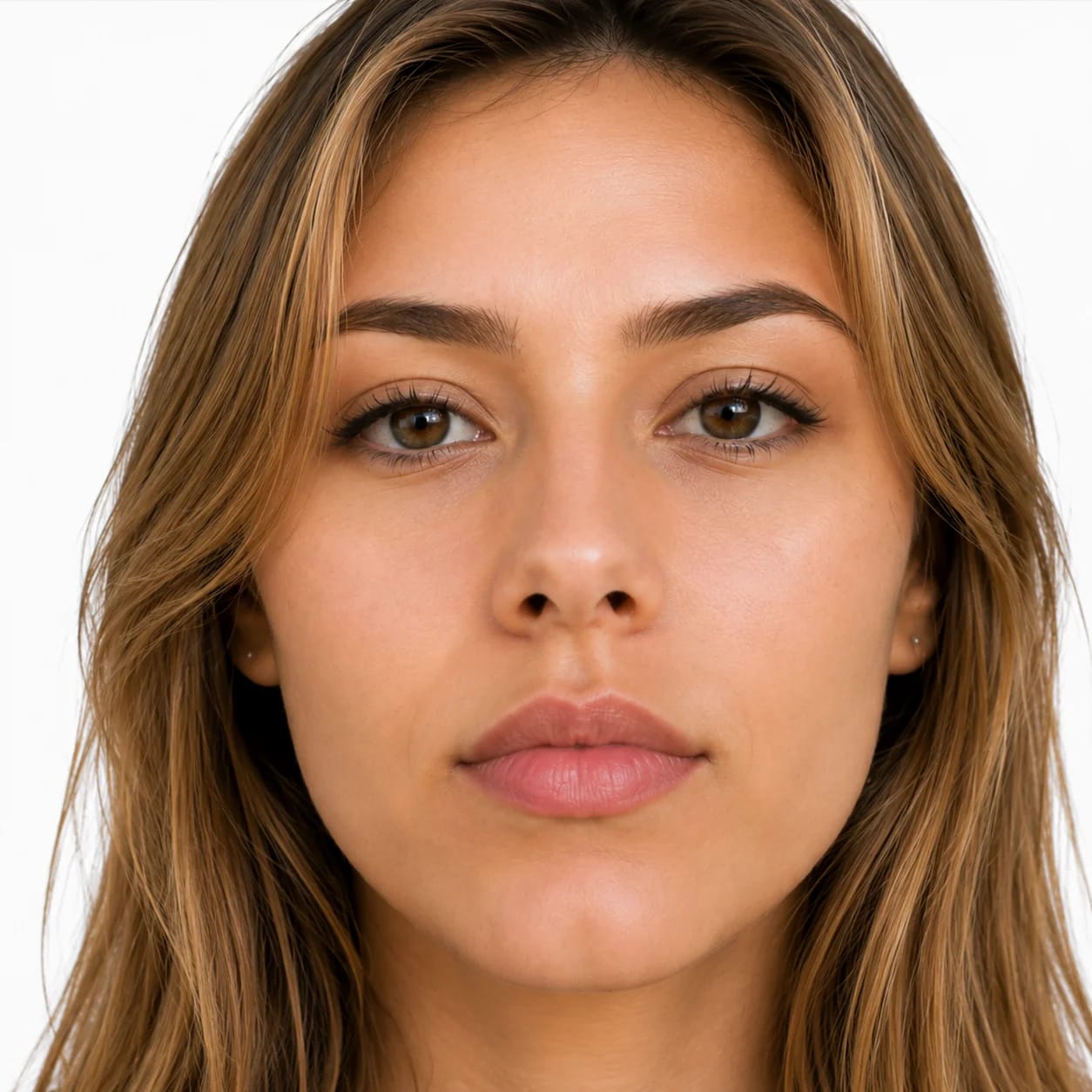
AI processed photo
Accepted
Plain white bg
No shadows

Photo Rules

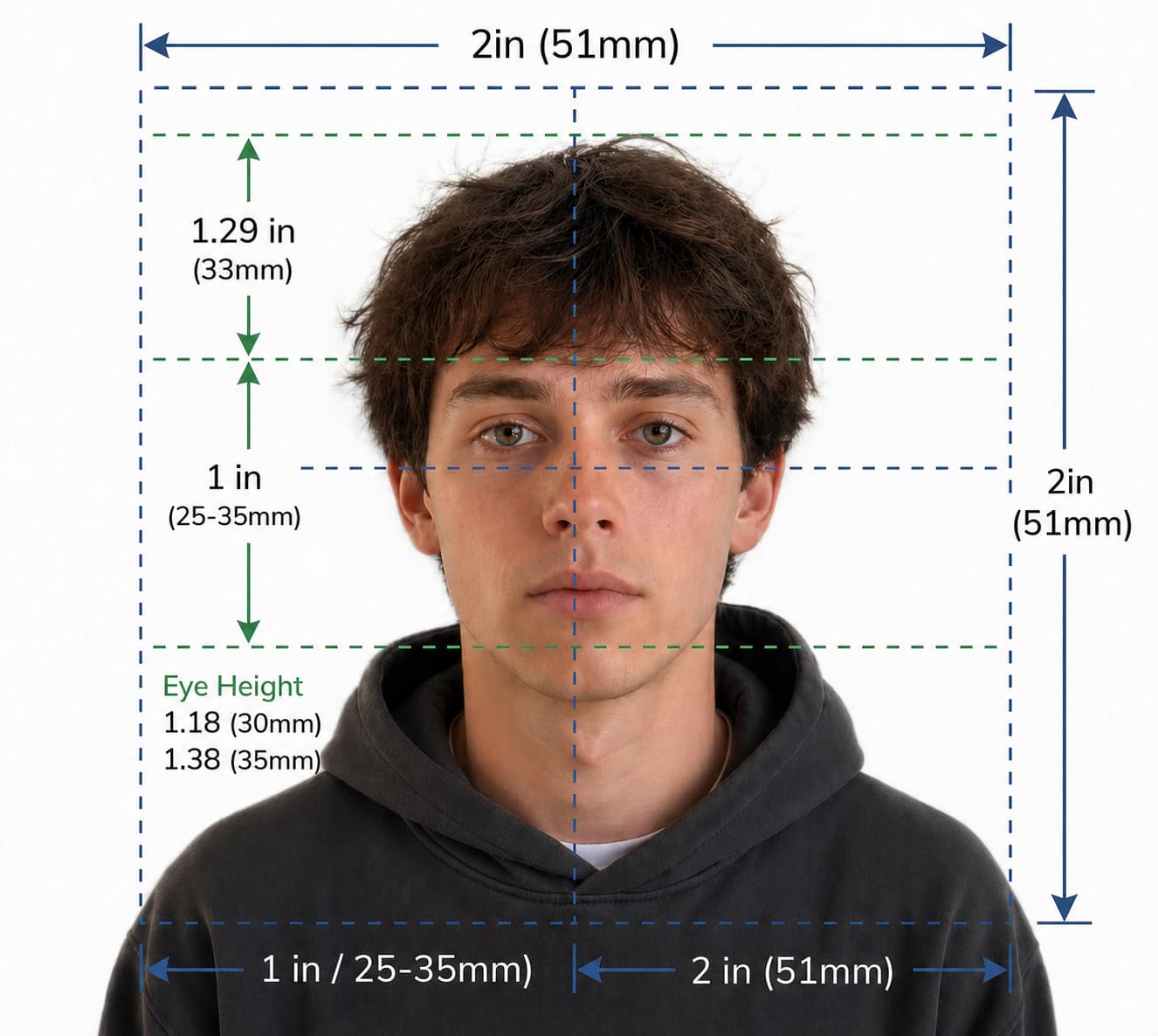
Face height ratio (50โ€“80%)
Head tilt / pitch / yaw
Eyes open & looking forward
Mouth closed, no teeth
No glasses detected

Technical Specs

Background uniformity
Shadow detection (face/bg)
Pixel dimensions & DPI
File format & colour space
Photo recency check

Embassy-safe output, guaranteed

If your photo is rejected due to our formatting, we'll reprocess it free.

Country photo blogs

Visa photo requirements by country

Check country-specific sizing, background, upload, glasses, headwear, child photo, and rejection-fix rules.

Read Australia guide
Simple 5-Step Process

How VisaReadyNow Works

From raw upload to government-compliant photo in under 30 seconds. No technical knowledge or photo editing skills required.

01
Ready

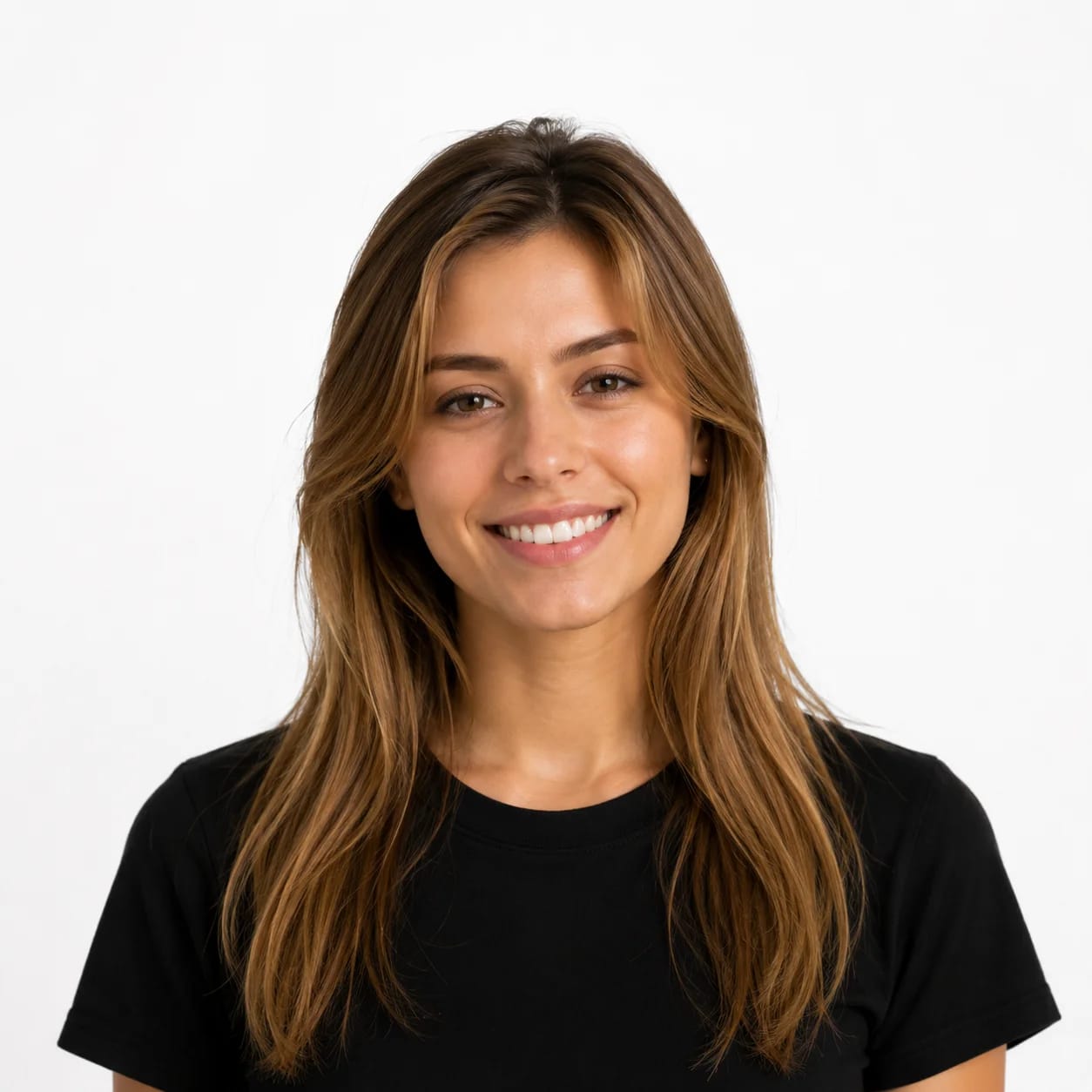
Take Photo

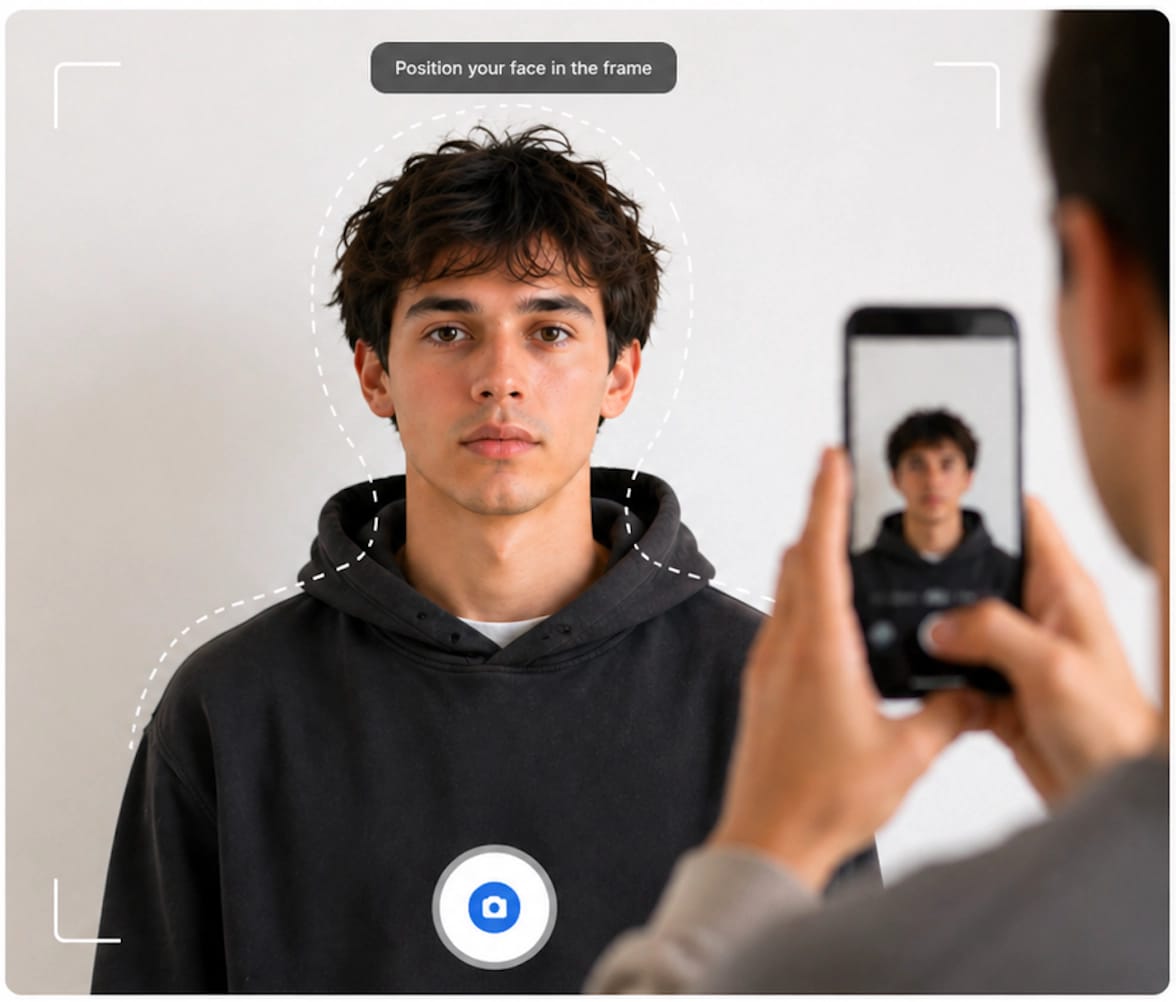
Person taking a selfie with smartphone

Take or Upload Your Photo

Use your phone, webcam, or any camera. Any photo works as a starting point.

02
Issues Found

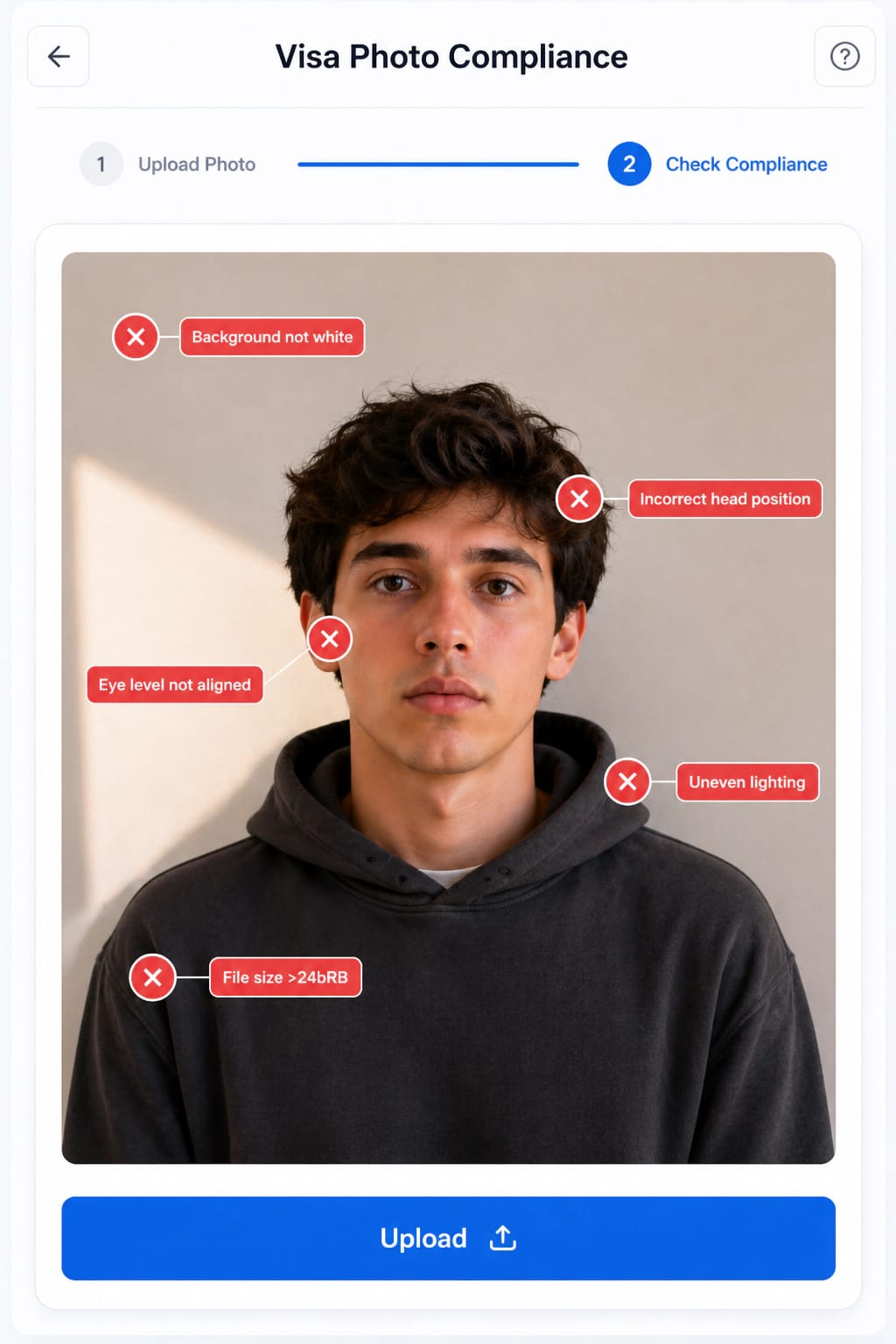
Upload & Detect

AI compliance scan interface showing detected issues

Upload & Detect Issues

Our AI scans 22+ biometric checkpoints โ€” background, face position, lighting, and more.

03
Scanningโ€ฆ

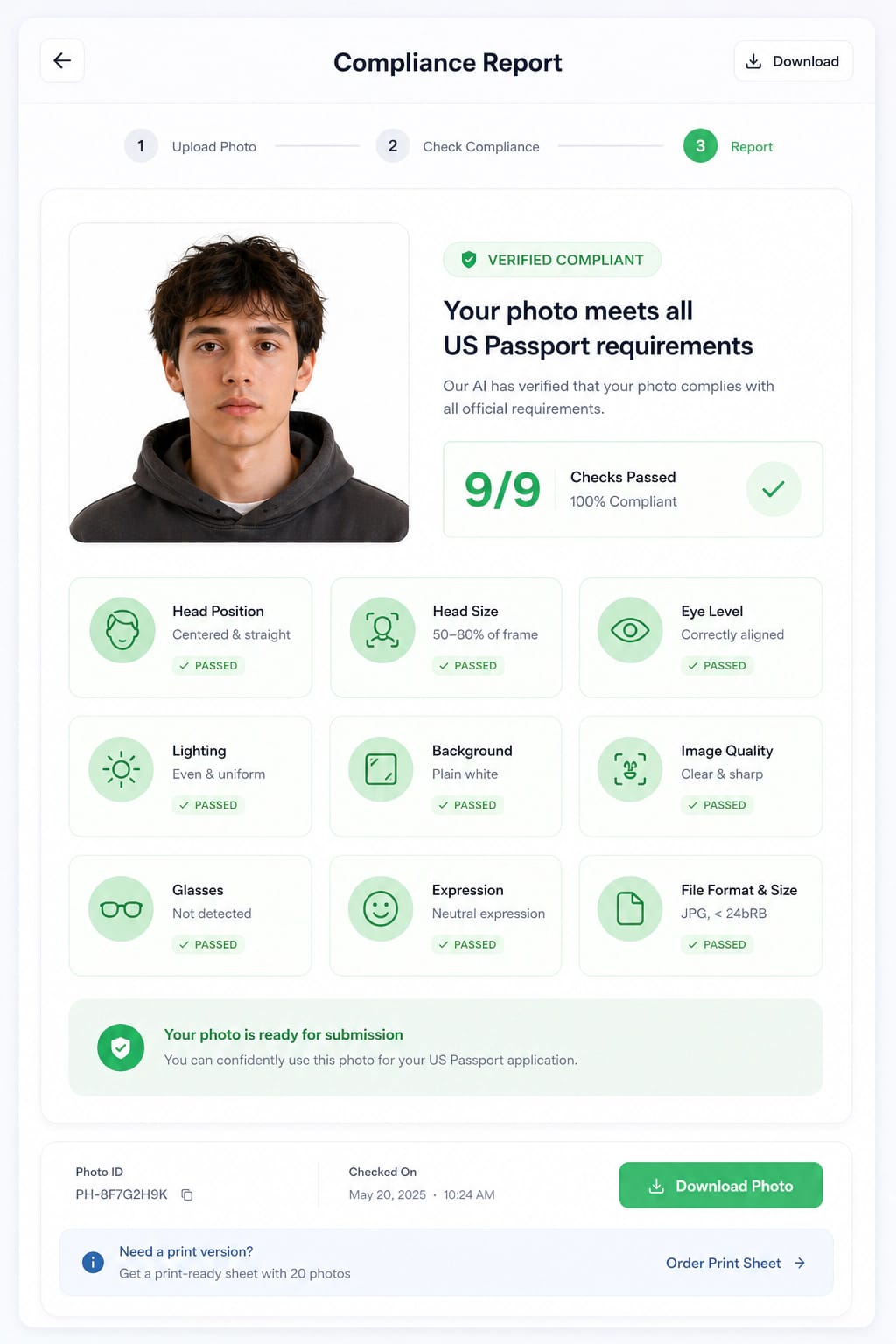
Compliance Report

Compliance report dashboard

Get Compliance Report

A detailed checklist shows exactly what passes and what needs fixing.

04
Apply AI Fix

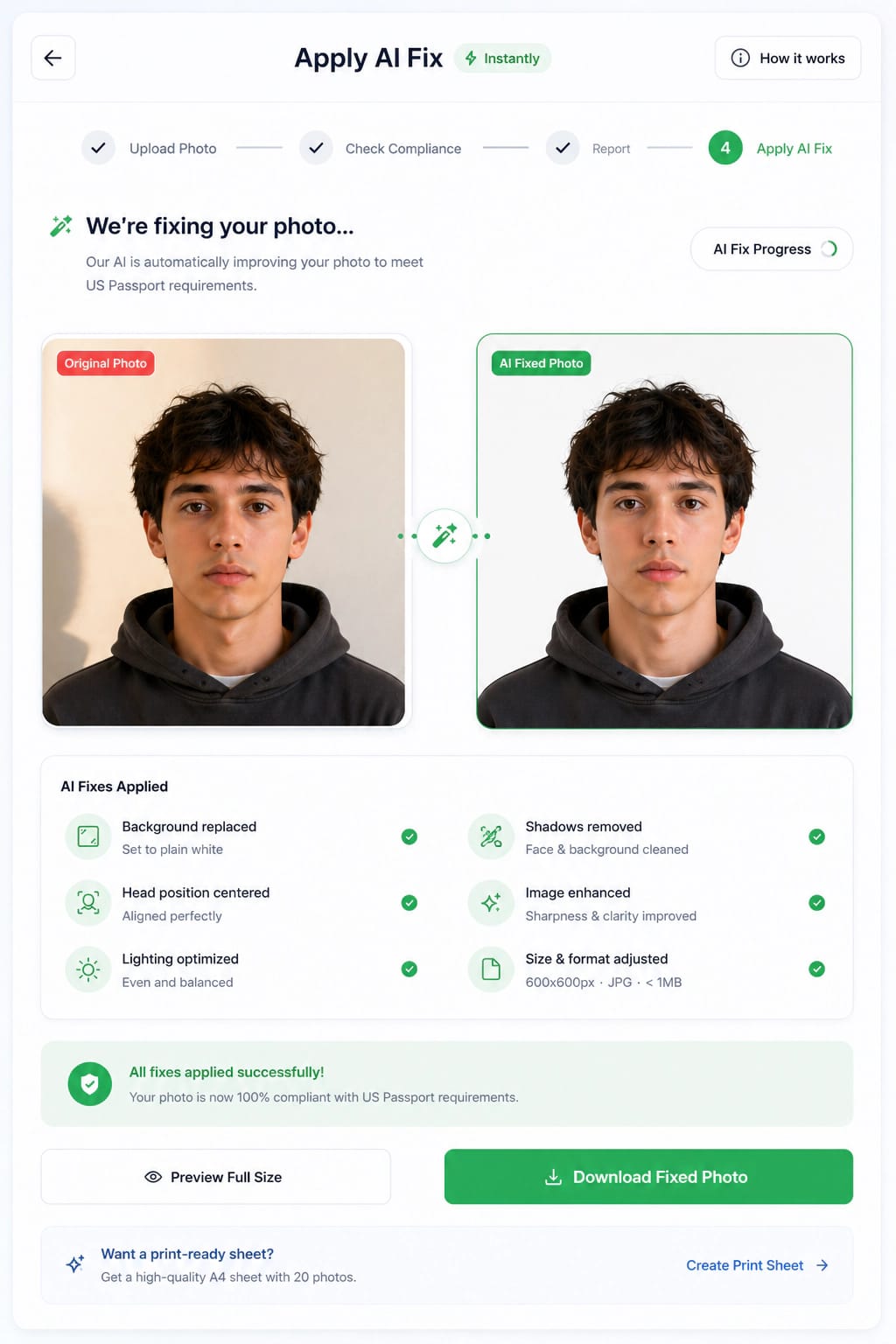
Apply AI Fix

AI fixing the photo automatically

Apply AI Fix Instantly

One click auto-corrects background, centering, color balance, and dimensions.

05
โœ“ Compliant

Download

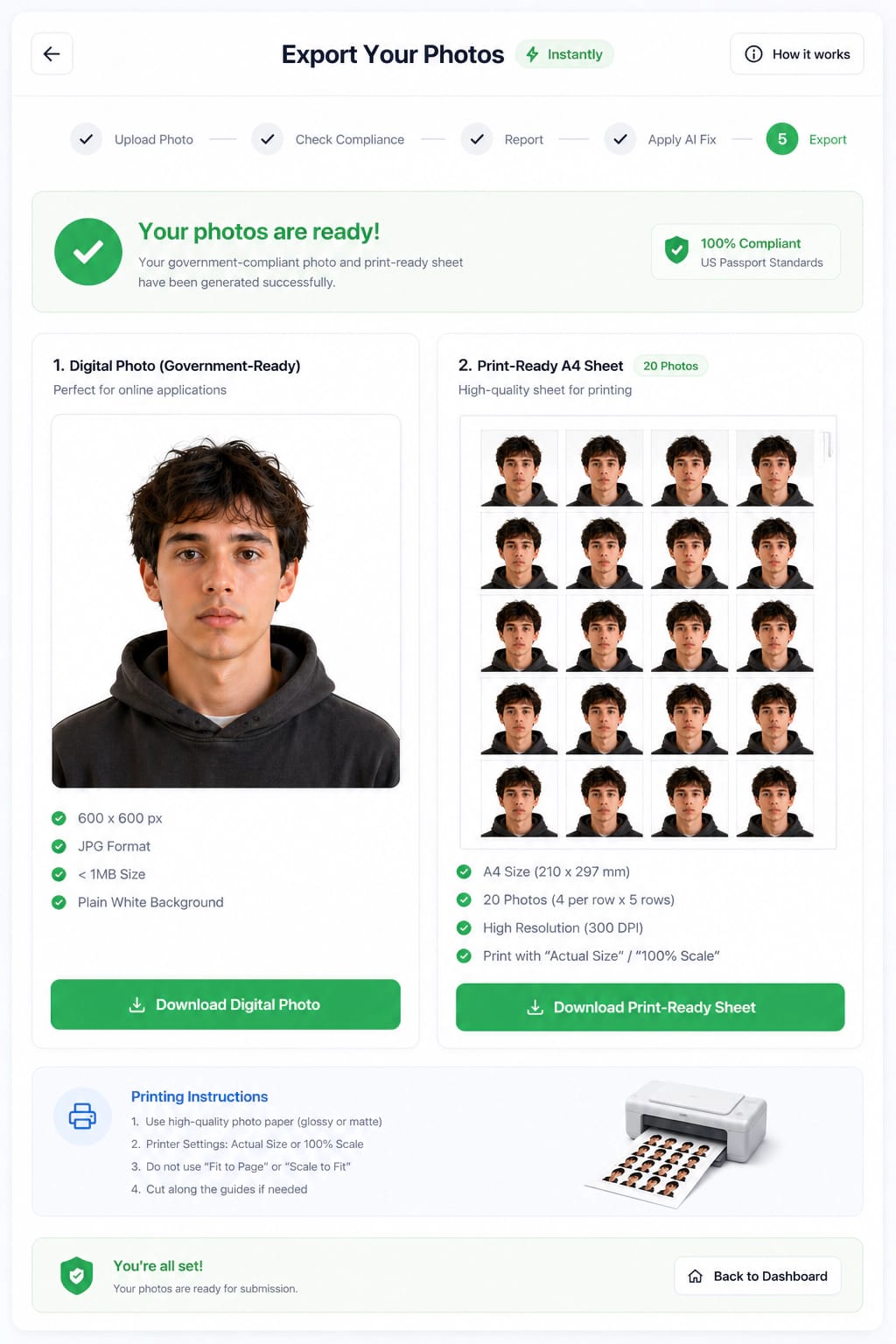
Final compliant visa photo ready for download

Download Compliant Photo

Export a government-ready digital file and print-ready A4 sheet instantly.

100% Compliance Guarantee
Common Photo Mistakes

Small details that can get a photo rejected

Use these examples as a quick checklist for adult, child, and baby photos before uploading.

Avoid

Harsh shadows

Move closer to a window or soften harsh side lighting.

Avoid

Wrong background

Use a plain white or off-white wall, sheet, or paper.

Avoid

Tilted head

Keep the head straight, centered, and facing the camera.

Avoid

Expression not neutral

Use a calm, neutral expression with eyes clearly visible.

Avoid

Clothes blend in

Choose a simple solid color so the shoulders stay visible.

Avoid

Cropped too close

Capture the full head and shoulders with extra room around them.

Photo Dos and Don'ts

A quick pass-or-fail checklist before upload

Simple setup choices make the biggest difference for adult, child, and baby passport photos.

Quick Requirements

Choose country and document type

Send travelers and families straight to the correct passport, visa, or ID photo workflow.

Document

Selected: United States passport

Start Check
Privacy for Every Photo

Private, secure photo processing

Passport and visa photos are sensitive for adults, children, and babies. This section gives users a clear reason to trust the upload flow.

Encrypted upload and processing
Photos are not used for AI training
Automatic deletion after processing window
Personal and family photos stay under your control
Photo FAQ

Questions users ask before upload

Application Guides

Guides for the portals people actually use

These focused guides cover the searches that happen right before a user uploads a photo: DS-160, DV Lottery, Schengen, IRCC, OCI, and UK Passport Online.

Browse all guides
Rejection Fixes

Turn rejection reasons into clear next steps

This section helps users diagnose the exact problem instead of starting over blindly. It also captures high-intent searches like "photo rejected", "illumination error", and "file size too large".

Wrong crop or face size

Manual cropping often puts the chin, crown, or eye line outside the accepted biometric range.

Fix: Run a face-position check before export and use the correct country preset instead of eyeballing the frame.

Background shadows

A wall can look white to you while the upload portal detects grey patches, texture, or cast shadows.

Fix: Stand away from the wall, face soft light, and validate background uniformity before downloading.

File too large or too small

Government portals can reject a technically good photo because the JPEG, pixels, or KB limit is wrong.

Fix: Resize after the crop is final, then export to the exact upload range for that application.

Glasses, glare, or hair

Reflections, frames, tinted lenses, and hair over the eyes can block biometric matching.

Fix: Remove glasses when required and make sure both eyes, eyebrows, and face edges are clearly visible.

Blurry phone image

Digital zoom, movement, and low-light photos lose detail around the eyes and jawline.

Fix: Use the rear camera, clean the lens, stand in bright natural light, and keep the original full-resolution file.

Edited face or filters

Beauty filters, skin smoothing, and AI face edits can make a photo look altered.

Fix: Only prepare size, crop, and background. Never reshape or beautify facial features.

Upload and Print

Add guidance for both online portals and printed photos

Many users know the photo size but fail at export or printing. Splitting the journey into digital upload and print-ready output keeps the page useful after the first crop.

View digital specs

Digital upload requirements

Explain pixels, file format, file-size limits, color space, compression, and portal-specific upload errors before users export.

JPEG/JPG/PNG rulesKB and MB limitsPixel dimensionsPortal warnings

Print at home guide

Show how to print without accidental scaling, which paper to use, why crop marks matter, and when a shop print is safer.

A4 and 4x6 layoutsNo fit-to-page scalingCrop marksMatte or glossy paper

Final quality checklist

Give users a last visual inspection pass for sharpness, expression, clothing contrast, face edges, and background shadows.

Sharp eyesNeutral expressionVisible shouldersNo shadows
Country Comparison

Compare the most searched photo requirements

A richer comparison table helps users choose the right preset and gives search engines a clean structured answer for size, pixels, background, and glasses queries.

Browse country directory
CountrySizePixelsBackgroundFileGlassesGuide
๐Ÿ‡บ๐Ÿ‡ธUnited States
51 x 51 mm600 x 600 pxwhiteJPEG, up to 240 KBRemove glassesOpen
๐Ÿ‡ฌ๐Ÿ‡งUnited Kingdom
35 x 45 mm827 x 1063 pxcream or light grayJPEG, up to 10240 KBRemove glassesOpen
๐Ÿ‡จ๐Ÿ‡ฆCanada
50 x 70 mm1181 x 1654 pxwhite or light grayJPEG, up to 5120 KBRemove glassesOpen
๐Ÿ‡ฎ๐Ÿ‡ณIndia
35 x 45 mm413 x 531 pxwhiteJPEG, up to 300 KBRemove glassesOpen
๐Ÿ‡ฉ๐Ÿ‡ชGermany
35 x 45 mm413 x 531 pxlight grayJPEG, up to 500 KBRemove glassesOpen
๐Ÿ‡ซ๐Ÿ‡ทFrance
35 x 45 mm413 x 531 pxlight gray or beigeJPEG, up to 300 KBRemove glassesOpen
๐Ÿ‡ฆ๐Ÿ‡บAustralia
35 x 45 mm1200 x 1600 pxwhite or light greyJPEG, up to 3500 KBRemove glassesOpen
๐Ÿ‡ฏ๐Ÿ‡ตJapan
35 x 45 mm827 x 1063 pxwhiteJPEG, up to 200 KBRemove glassesOpen
Trust Signals

Reduce upload anxiety before the user shares a face photo

Photo tools handle sensitive biometric images, so privacy, source transparency, and a human-review fallback should be visible before checkout.

Private by default

Uploads are used for photo preparation only. Keep clear deletion timing, no-training language, and biometric privacy promises visible near every upload CTA.

Source-backed rules

Country pages should link to the relevant government or embassy rule source and show when the local data was reviewed.

Human review path

Offer expert review for baby photos, previous rejections, religious head coverings, glasses exceptions, and urgent appointments.

When to choose human review

Recommend expert review for rejected photos, newborn and infant photos, religious head coverings, medical exceptions, urgent appointments, and any country where the official instructions require extra documentation.

Glossary

Explain the terms users search but do not understand

A glossary improves guidance for first-time applicants and gives the site natural coverage for long-tail educational searches.

Biometric photo
A standardized face photo that can be read by human officers and automated identity systems.
DPI / PPI
Resolution metadata used for print quality. Passport and visa prints commonly require at least 300 DPI.
Face height
The distance from chin to crown, measured as a percentage of the full photo height or in millimeters.
Eye line
The vertical position of the eyes within the frame. Many systems reject photos where the eyes sit too high or low.
Background uniformity
How consistent the background color is across the whole image, with no shadows, gradients, texture, or objects.
JPEG compression
The process of reducing file size. Too much compression causes artifacts that can fail upload checks.
Print-ready sheet
A page layout with multiple correctly sized photos and crop marks for home printing or a print shop.
Portal-ready file
A digital photo exported to the exact pixel, format, and file-size limits for an online application.
Baby Passport Photo Guide

Step-by-step: Baby Passport Photo

A calm setup, safe positioning, and a few extra shots make infant passport and visa photos much easier to get right.

Baby passport photo setup with a plain white background
01

Prepare the setup

  • Use a plain white or off-white background, such as a wall, bedsheet, or paper.
  • Choose good natural lighting. A spot near a window usually works best.
  • Avoid shadows by keeping the light even across the baby's face.
Baby positioned safely for a passport photo
02

Position the baby

  • Lay the baby flat on a white sheet. This is best for newborns.
  • Use a car seat covered with a white cloth if that is safer.
  • Sit the baby upright only if they can hold their head steady.
  • Keep the head straight, centered, and facing the camera.
Baby with eyes open for passport photo requirements
03

Keep a neutral expression

  • Eyes should be open and clearly visible.
  • Mouth should be closed or neutral, with no big smile or crying.
  • Keep pacifiers, toys, blankets, and hands away from the face.
Baby wearing simple solid color clothing for a passport photo
04

Choose the right clothes

  • Avoid white clothes because they can blend into the background.
  • Use simple, solid colors without busy patterns.
  • Skip hats and headbands unless they are worn for religious reasons.
Camera taking a baby passport photo from the correct angle
05

Take the photo

  • Hold the camera directly above or in front of the baby.
  • Keep about 1 to 1.5 meters of distance from the baby.
  • Capture the full head and shoulders.
  • Take several shots so you have a clear one to upload.
Baby passport photo compliance check in an online photo tool
06

Upload and auto-check

  • Upload the best photo to VisaReadyNow for an automatic compliance check.
  • The tool checks size, background, face alignment, and lighting issues.
  • It can auto-fix and adjust the photo to match visa or passport requirements.

Ready to check the best shot?

Upload once you have a clear photo. The checker will flag incorrect size, background problems, face alignment, and lighting before export.

Check Photo
Enterprise-Grade AI

Not Just a Resizer. A Compliance Engine.

Built for extreme precision. Every feature is designed to maximize your visa photo acceptance rate and guarantee zero rejections.

22+ Checkpoints

22+ Biometric Checks

AI scans every critical parameter against official government specifications.

Face position & head ratio
Background color & uniformity
Shadow detection (face & bg)
Eye level & gaze direction
Resolution & file size
Mouth closed, no teeth
No glasses detected
Pixel dimensions & DPI
+
14 more technical checks
100%

Guaranteed Acceptance

Every photo processed meets the exact specifications required by embassies worldwide. Photo rejected? Full refund, no questions asked.

Zero rejection guarantee active
<10s
<10s

Under 10 Seconds

AI processes and delivers a corrected, compliant photo in under 10 seconds. No waiting, no appointments.

100%
100%

Expert Human Review

Optional specialist review by trained photo compliance experts who catch subtle issues AI may miss.

190+
190+

Every Size & Format

Outputs match exact government dimensions โ€” 2ร—2 inch, 35ร—45 mm, or custom. JPEG, PNG, and print-ready A4 included.

Auto
Auto

Background Replacement

Automatically replaces any background with the required white or light grey standard for your selected country.

Transparent Pricing

No Hidden Fees. Pay Once, Download Forever.

Choose a plan that fits your need. All plans include AI compliance verification, auto-fix, and government-standard output.

Detecting your location...
1 credit
One-Time

Starter

Single Photo Validation

One-time payment

per photo

Includes

AI compliance scan, auto-fix, and visa-ready export.

What You Get

  • AI compliance scan (22+ checks)
  • Auto-fix & background correction
  • Digital download (JPEG)
  • Print-ready A4 sheet
  • 1 country standard
5 credits
Most Popular

Professional

Best for Families & Multiple Visas

One-time payment

5 photos โ€” ~ ... each

Includes

AI compliance scan, auto-fix, and visa-ready export.

What You Get

  • Everything in Starter
  • 5 photo credits
  • Priority AI processing
  • Extended cloud storage (30 days)
  • Lifetime re-downloads
15 credits
One-Time

Enterprise

For Professionals & Bulk Users

One-time payment

15 photos โ€” ~ ... each

Includes

AI compliance scan, auto-fix, and visa-ready export.

What You Get

  • Everything in Professional
  • 15 photo credits
  • Batch processing mode
  • White-label reporting
  • API access (early access)

Included in every plan

Digital Download
Print-Ready Sheet
Compliance Guarantee
Money-Back Promise
Frequently Asked Questions

Got Questions? We Have Answers.

We support 190+ countries including the United States, United Kingdom, Canada, all Schengen Zone countries, India, Australia, China, Japan, South Korea, Brazil, and many more. Each country has its specific biometric and dimension requirements pre-loaded into our AI engine.

Our AI analyzes your photo against 22+ official compliance checkpoints including face position, head-to-frame ratio, background color uniformity, lighting conditions, shadow detection, resolution requirements, and aspect ratio. If any issue is detected, it automatically corrects it to match the government standard for your selected country.

The US passport photo must be exactly 2 x 2 inches (51 x 51 mm). For digital submissions like DS-160, the minimum resolution is 600 x 600 pixels, and the file must be in JPEG format under 240 KB in size. VisaReadyNow automatically generates both the digital file and a print-ready version.

VisaReadyNow offers AI-validated passport photos starting at $4.99 USD, with Purchasing Power Parity pricing applied automatically where available. Traditional photo studios and retail stores often cost more and may not include country-specific digital upload checks.

Yes! Any modern smartphone with an 8MP+ camera works perfectly. Stand facing natural light (like a window), about 1.5 meters from the camera, and maintain a neutral expression. Upload the photo to VisaReadyNow and our AI handles background replacement, cropping, and biometric positioning automatically.

Understanding Global Biometric Visa & Passport Photo Standards

Navigating the strict compliance regulations for international travel documents can be complex. VisaReadyNow is built around international biometric security standards, country-specific rules, and source-backed requirement data so applicants can reduce avoidable photo rejections before submitting.

Standard Passport Photo Size: Quick Answer

There is no single worldwide passport photo size. The most common standards are 35 x 45 mm for many European and Commonwealth-style applications, 2 x 2 inches (51 x 51 mm) for the United States and several online visa routes, and country-specific digital ratios such as New Zealand's 3:4 upload format.

FormatCommon usePixel equivalent at 300 DPI
35 x 45 mmSchengen, France, Ireland print range, many visa photos413 x 531 px
2 x 2 in / 51 x 51 mmUS passport, US visa, some embassy visa routes600 x 600 px
3:4 portraitNew Zealand online visa/NZeTA and passport uploads900 x 1200 px minimum for NZ passport
Real Correction Example
Comparison of non-compliant photo and AI-fixed compliant visa photo

International Biometric Guidelines (ICAO)

The International Civil Aviation Organization (ICAO) establishes the global standards for machine-readable travel documents (MRTDs), including electronic passports and modern visas. VisaReadyNow maps its AI engine directly to ICAO Document 9303, which mandates specific requirements for facial positioning, eye alignment, and illumination.

  • Strict neutral facial expression verification.
  • Red-eye detection and automated flash reflection suppression.
  • Symmetrical head alignment to the vertical axis.

Dimensional Specifications (2x2 vs 35x45mm)

Different nations enforce unique geometric constraints. For example, the United States uses a rigid 2 x 2 inch (51 x 51 mm) square format, whereas the Schengen Area, United Kingdom, and Australia commonly require a 35 x 45 mm dimension. Our software does not merely crop your photo; it uses facial landmark detection to adjust the head-to-chin pixel ratio for the selected rule set.

Background Luminance and Color Extraction

A common reason for embassy rejections is background shadowing, improper background coloring (e.g., off-white vs pure white), or textured walls. VisaReadyNow employs state-of-the-art semantic segmentation to perfectly extract your foreground silhouette. We then algorithmically place you against a numerically exact, shadow-free background color (e.g., #FFFFFF for the US / Canada, or specific light greys for select European countries).

Shadow and Occlusion Prevention

Our AI scans the submitted image for harsh directional lighting, distinct shadows cast upon the face or background, and physical occlusions such as thick spectacle frames, hair covering the eyebrows, or non-religious headwear. When minor lighting faults are detected, the system applies local contrast equalization; for major faults, it provides instant corrective feedback before you pay a dime.

Why Choose Professional AI Over Free Tools?

While general-purpose photo editors or free automatic croppers exist, they lack the specific biometric rule-engines required by immigration algorithms. A photo that "looks fine" to the human eye may fail an embassy's electronic scan due to unseen DPI issues, improper JPEG compression artifacts, or slight rotational skews.

VisaReadyNow guarantees compliance by enforcing over 22 distinct algorithmic checks, providing both the high-resolution digital image for online portals (like the DS-160) and properly spaced, printable A4 sheets. This comprehensive approach is why thousands of travelers, expatriates, and agencies rely on our infrastructure for guaranteed visa success.

VisaReadyNow vs Photo Studios vs Free Online Tools

Choosing the right method for your visa or passport photo can save you time, money, and the stress of rejection. Here is how VisaReadyNow compares to traditional alternatives.

FeatureVisaReadyNowPhoto StudiosFree CroppersRetail Stores
AI Biometric Validationโœ… 22+ checksโŒ Manual onlyโŒ NoneโŒ Manual only
Background Replacementโœ… Exact hex codeโš ๏ธ Physical backdropโš ๏ธ Basic removalโš ๏ธ Physical backdrop
Countries Supported190+Major onlyGeneric cropUS/UK only
Starting Price$4.99 USD$10โ€“20Free (non-compliant)$7โ€“15
Processing Time10 seconds15โ€“30 minutesManual effort15โ€“30 minutes
Acceptance Guaranteeโœ… Money-backโŒ NoโŒ NoโŒ No
Available 24/7โœ… Any deviceโŒ Business hoursโœ… OnlineโŒ Store hours
Print-Ready A4 Sheetโœ… With crop marksโœ… Physical printsโŒ Noโœ… Physical prints

Quick Reference: Visa & Passport Photo Sizes by Country

Below is a quick reference table for the most commonly requested visa and passport photo sizes. Click any country to view the full requirements and create your compliant photo instantly.

CountrySize (mm)Size (inches)PixelsBackgroundGlasses
United States51ร—512ร—2600ร—600WhiteโŒ
United Kingdom35ร—451.4ร—1.8413ร—531Light GreyโŒ
Canada50ร—702ร—2.75591ร—827WhiteโŒ
India51ร—512ร—2600ร—600WhiteโŒ
Germany (Schengen)35ร—451.4ร—1.8413ร—531Light GreyโŒ
Australia35ร—451.4ร—1.8413ร—531LightโŒ
China33ร—481.3ร—1.9390ร—567WhiteโŒ
Japan35ร—451.4ร—1.8413ร—531WhiteโŒ
Brazil51ร—512ร—2600ร—600WhiteโŒ
South Korea35ร—451.4ร—1.8413ร—531WhiteโŒ
Nigeria35ร—451.4ร—1.8413ร—531WhiteโŒ
Pakistan35ร—451.4ร—1.8413ร—531WhiteโŒ
Mexico35ร—451.4ร—1.8413ร—531WhiteโŒ
Philippines35ร—451.4ร—1.8413ร—531WhiteโŒ
Thailand35ร—451.4ร—1.8413ร—531WhiteโŒ
Ireland35โ€“38ร—45โ€“501.4ร—1.8715ร—951 minLightโœ…
Switzerland35ร—451.4ร—1.8413ร—531Light GreyโŒ
Poland35ร—451.4ร—1.8413ร—531Light GreyโŒ
New Zealand3:4 digital35ร—45 paper900ร—1200 minPlain lightโœ…
Egypt40ร—601.6ร—2.4472ร—709WhiteโŒ

Browse all 190+ countries โ†’

100% Compliance Guarantee

Ready to Validate Your Photo?

Stop worrying about visa photo rejections. Upload your photo now and get an AI-verified, government-compliant result in seconds.

No signup required โ€ข Instant results โ€ข Pay only for downloads